Introduction
In Week 5, I learnt how to upload my Open Brush work on my Sketchfab account to FrameVR.
Process
First I logged in to my Sketchfab account on a VR Headset from Open Brush so it enables me to then export and upload my Open Brush project from Open Brush to Sketchfab in which unfortunately, screenshots for the process on VR Headsets did not work, so I got someone else to help me upload my project.

Since this was saved as a draft, I then went on a PC to screenshot the process of publishing my project to Sketchfab, adding the title and tags, but I also had the option of adding descriptions, which I did not prefer to.
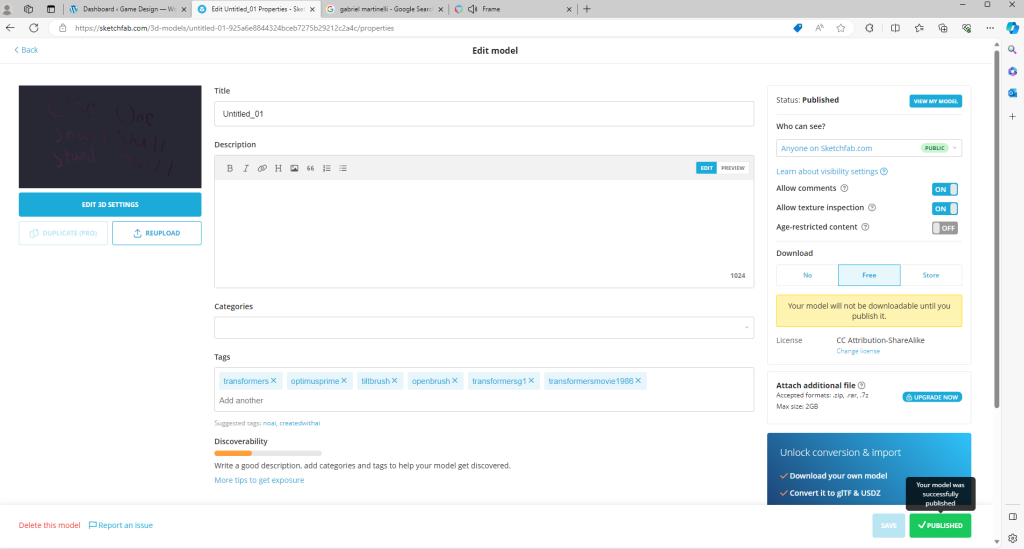
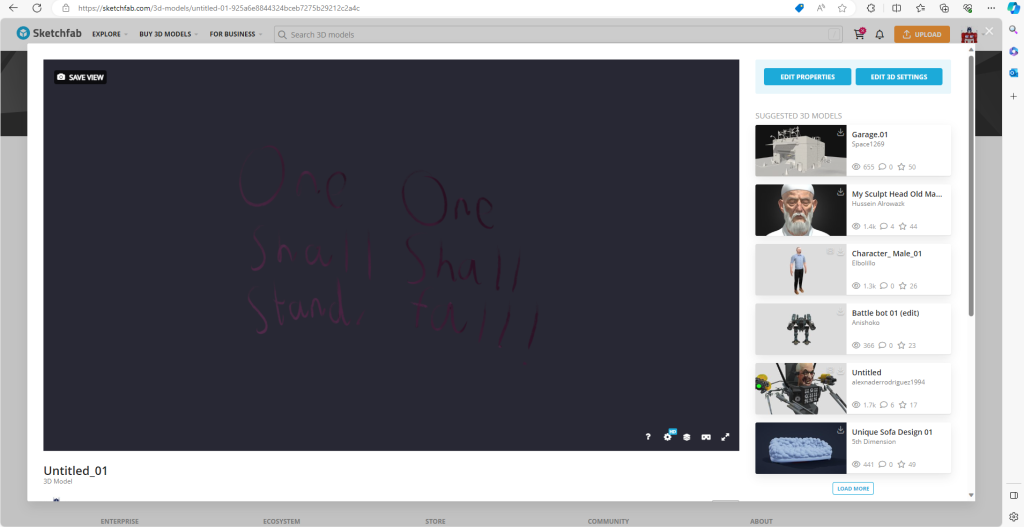
Once I was happy with everything, I pressed the publish button and later saw the green icon stating that my project has been published, so I had a look on it and it looks brilliant.
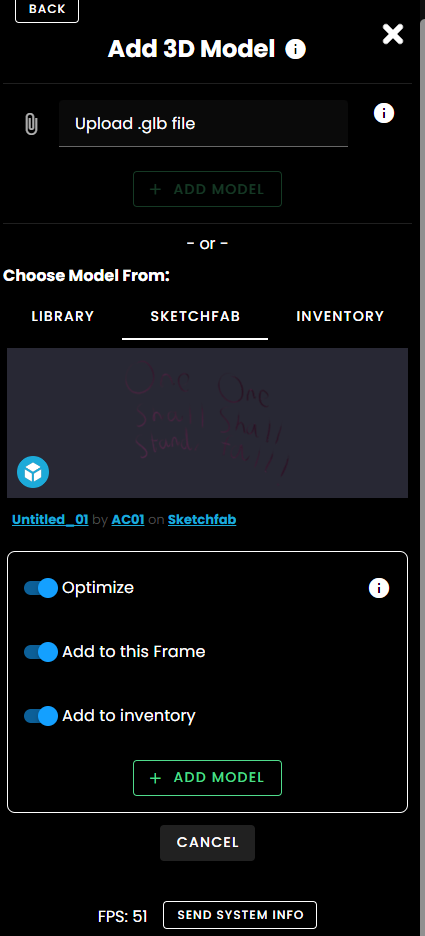

I then went on my FrameVR to add a Sketchfab Model, typing my model and adding it to my frame where I also added it to my model inventory. I also made my Open Brush object spin around, switching Spin on for it.
Conclusion
It was a new, fun experience I have encountered as I now learnt the truth of VR and AR projects and how they are made as of now.
References
Biomatrix2005 (2012) One Shall Stand, One Shall Fall. [Video]. Available online: https://www.youtube.com/watch?v=ooidPWqDYkc [Accessed 27/11/2023].