Week 1
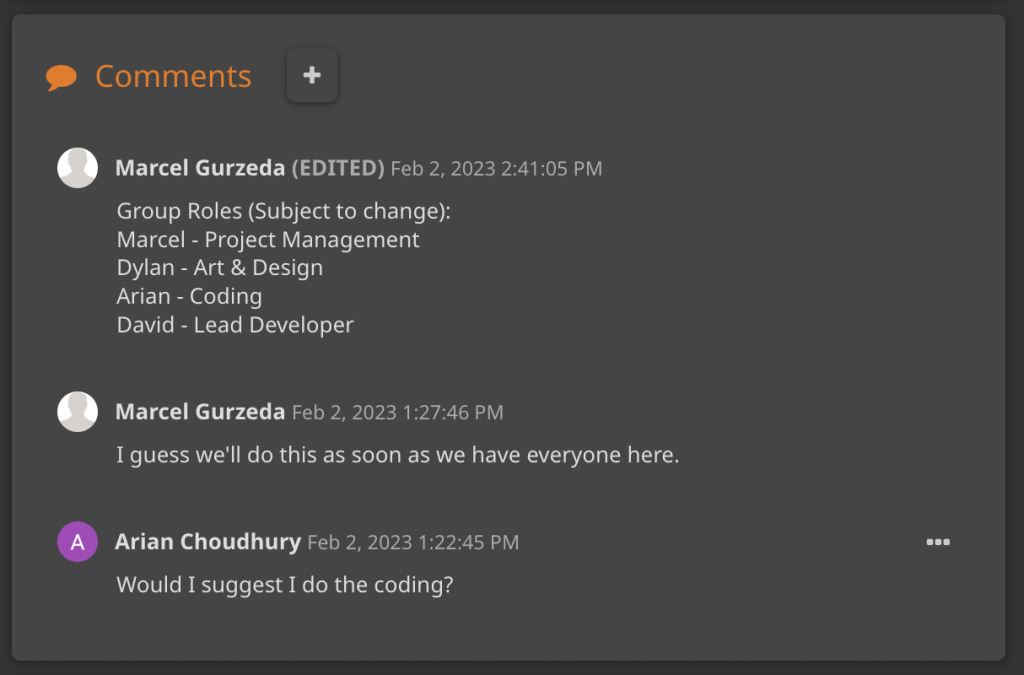
For Week 1, I went in a group with 3 peers in David, Marcel and Dylan where on Hack n Plan, we first had a discussion about our group roles for creating a game decided by three prototypes.
Marcel sorted out the group roles by suggesting himself doing Project Management, Dylan doing Art & Design and both myself and David doing Coding. I asked if I could do some coding for the UI whilst David was originally told to do some coding.

However, David and Marcel had a discussion about whether David would become the Lead Developer of our group, which Marcel agreed on the decision.
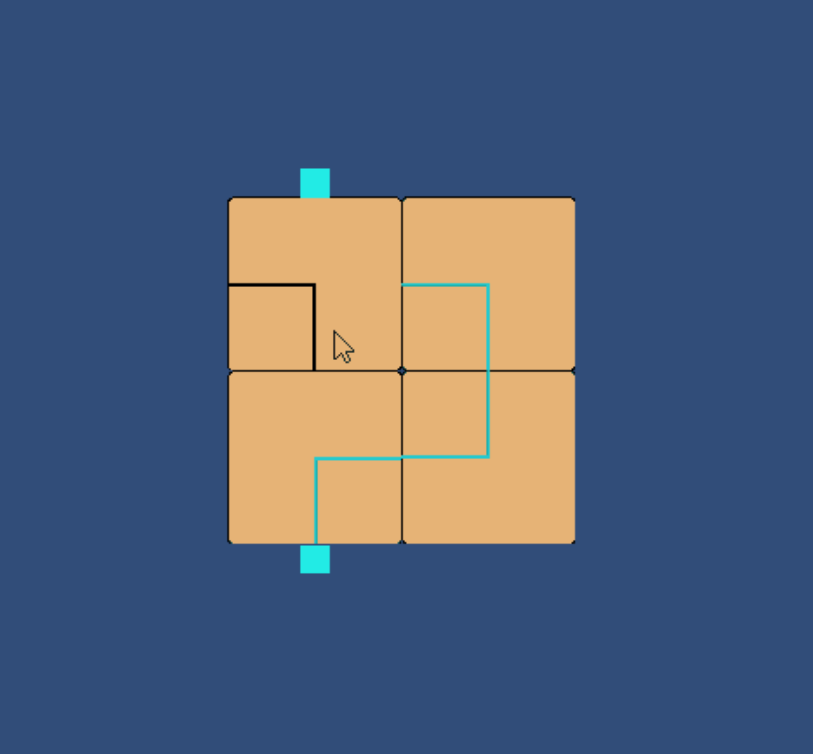
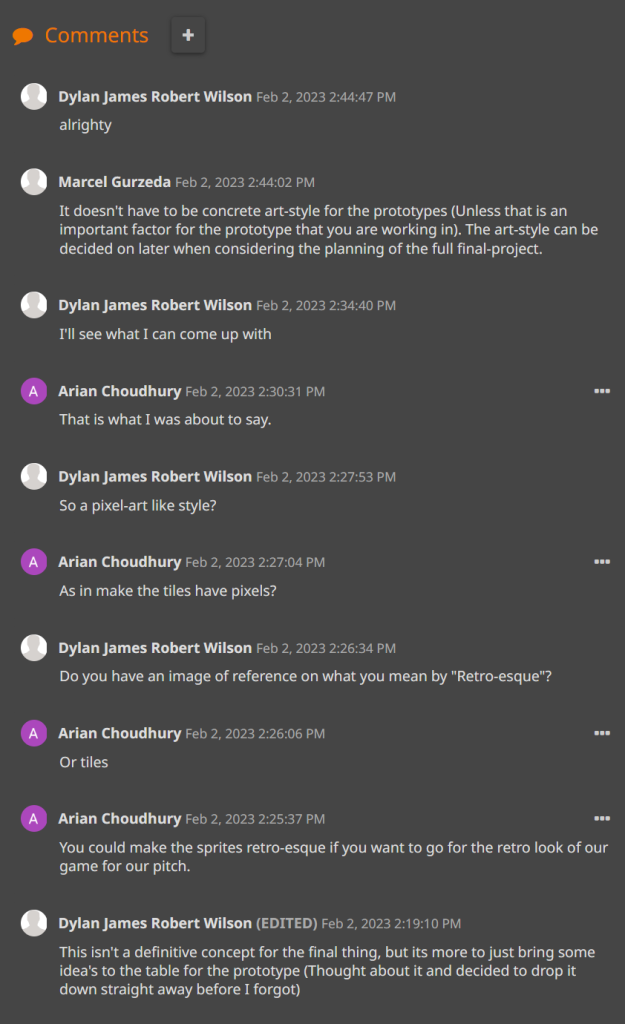
Also, I looked at the process of Dylan’s tile concepts for Prototype 1 to see how far he made some changes to the tiles.
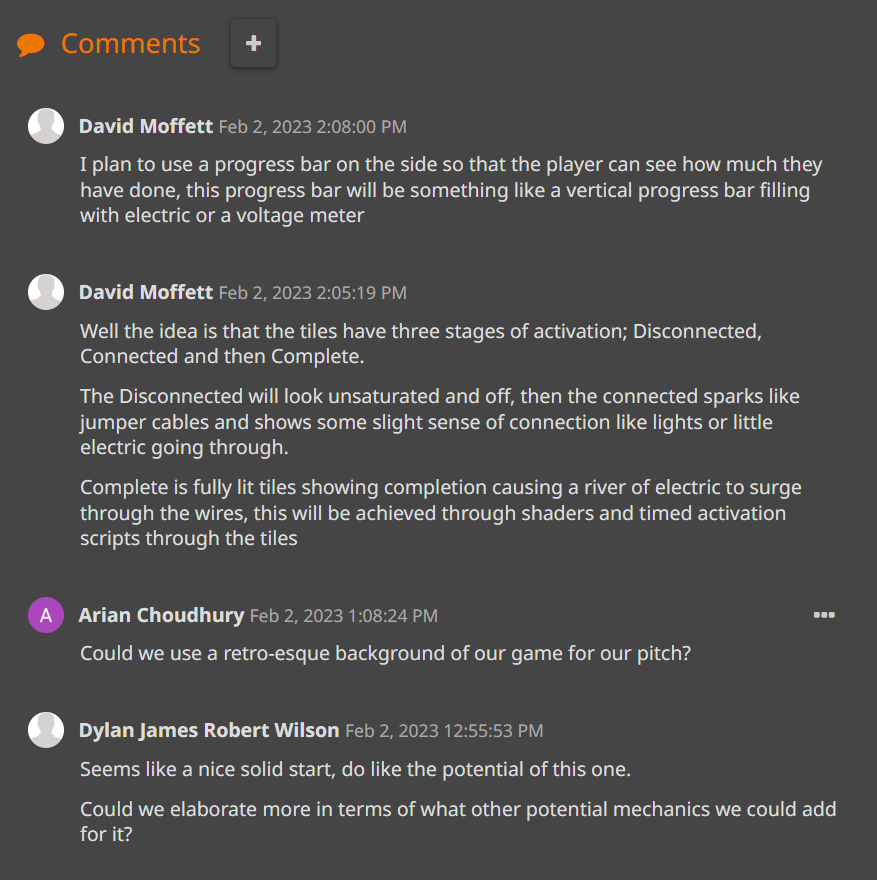
I also commented a suggestion to Dylan for the tile prototype on how he can make tiles look unique to how they first looked like before he showed a concept of tiles with labels.
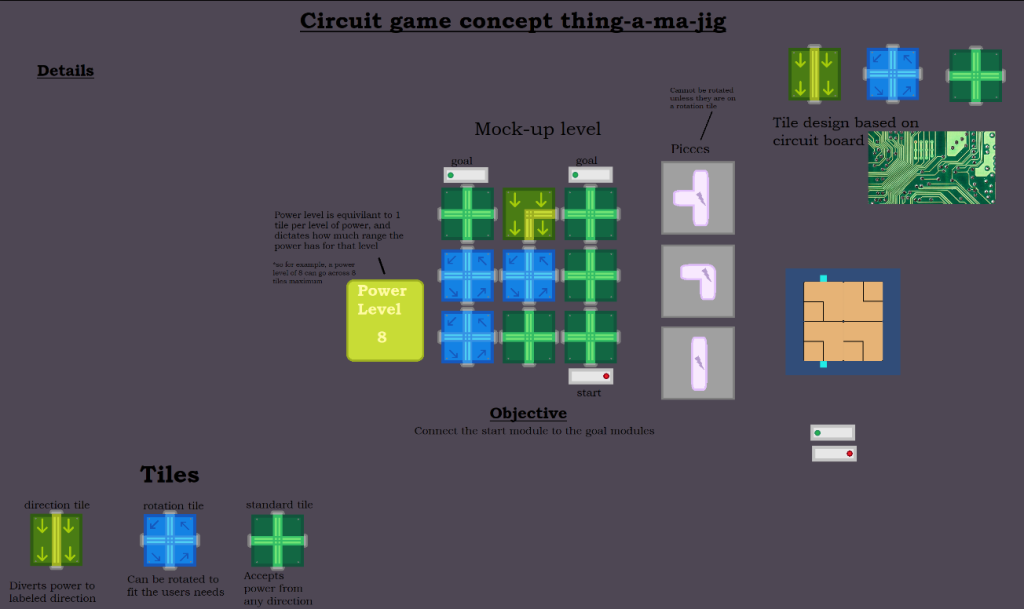
I added some suggestions to Dylan for the change in tiles for Prototype 1 to ensure he came up with different textured tiles.
Week 2
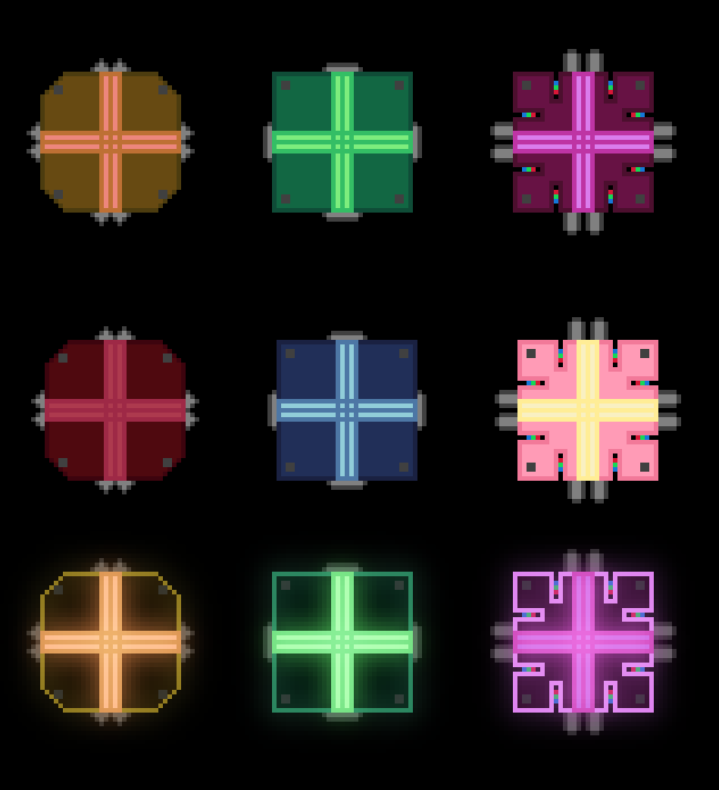
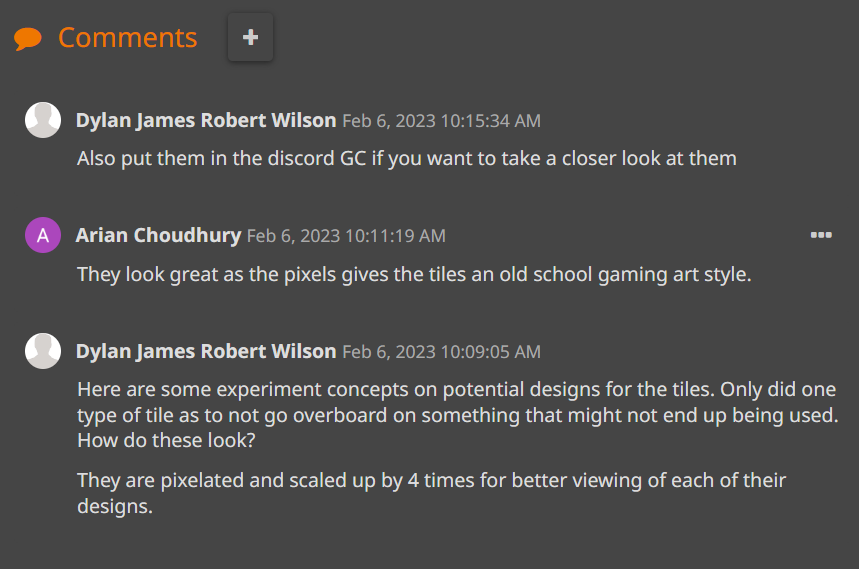
For Week 2, I had a look at Dylan’s pixel-arted tiles and gave feedback to him on the tiles for Prototype 1.
Week 3
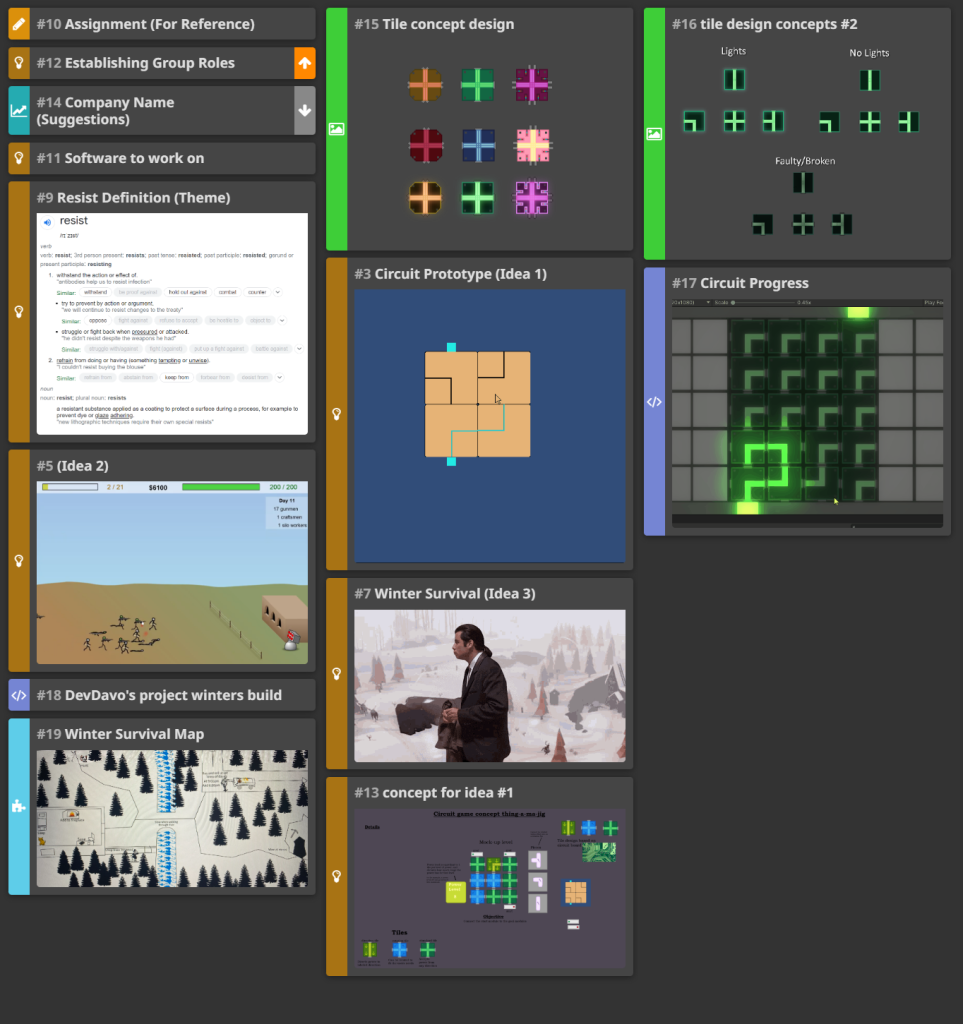
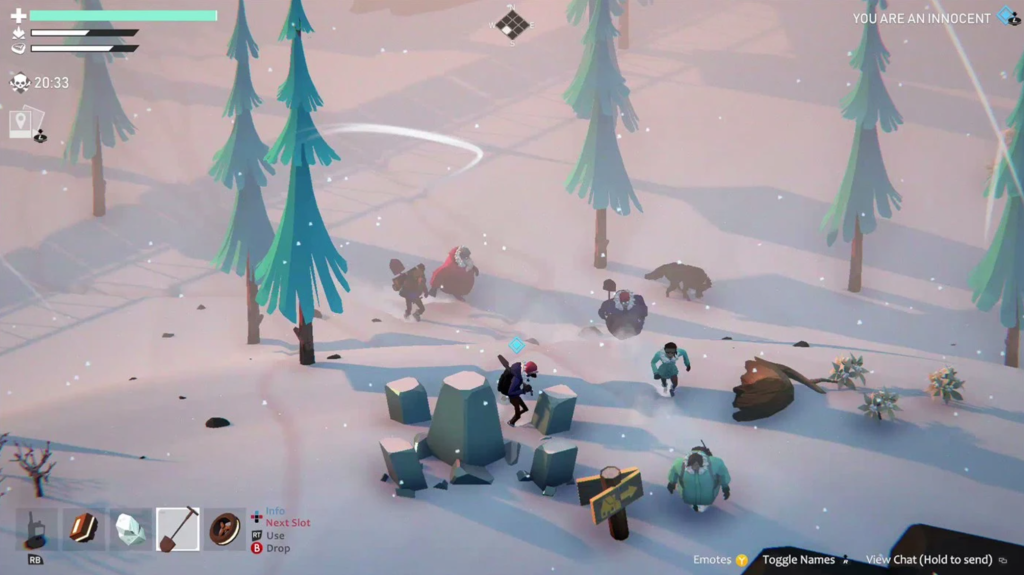
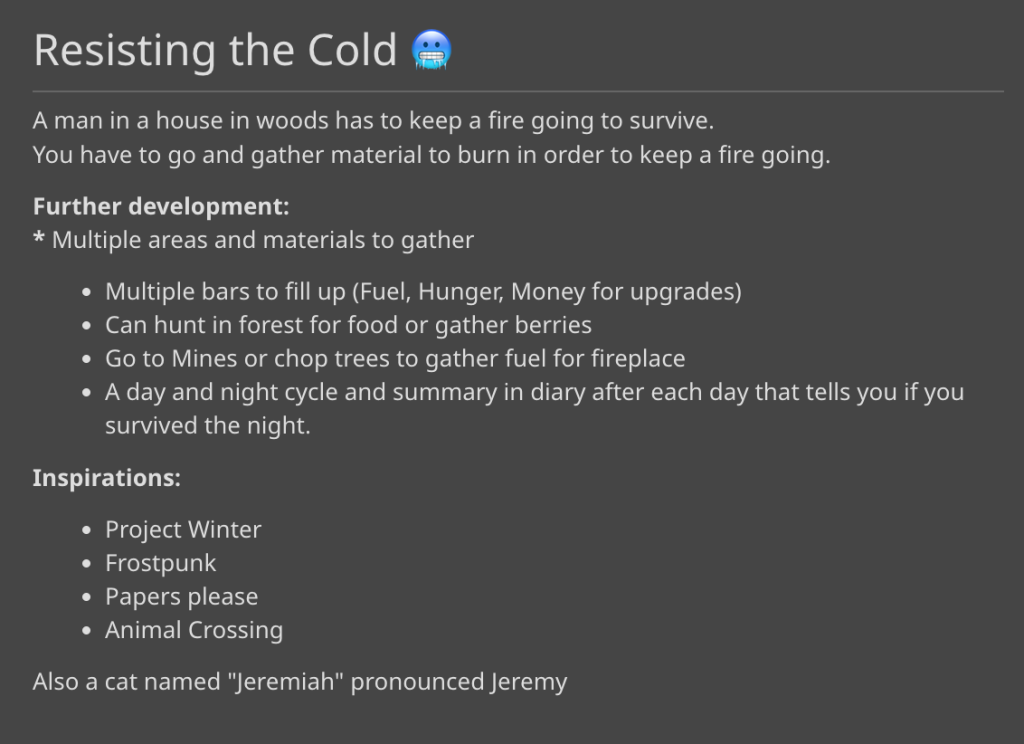
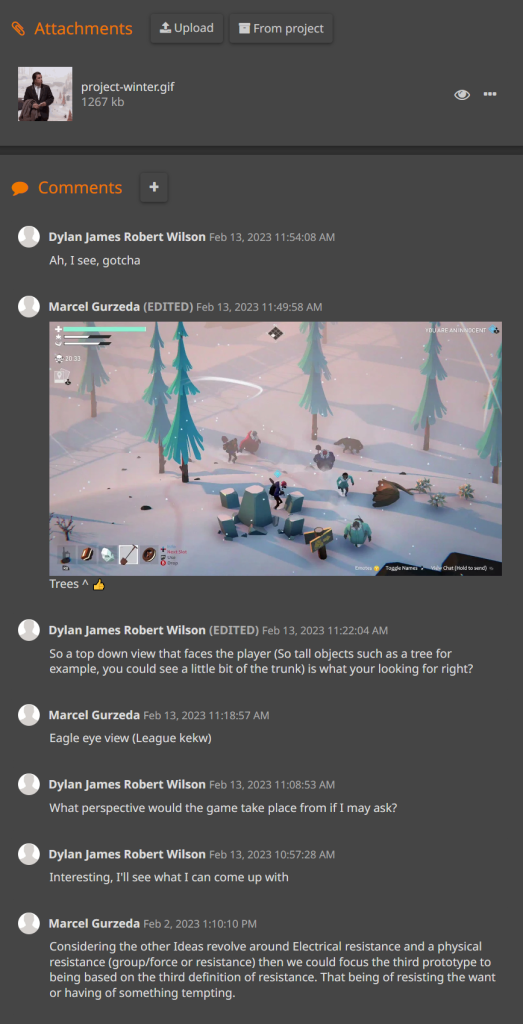
For Week 3, I saw Marcel adding an Idea for a Winter Survival Prototype for Prototype 3 and had a look at how he took inspiration from some games and added areas and materials for players to gather.
Week 4
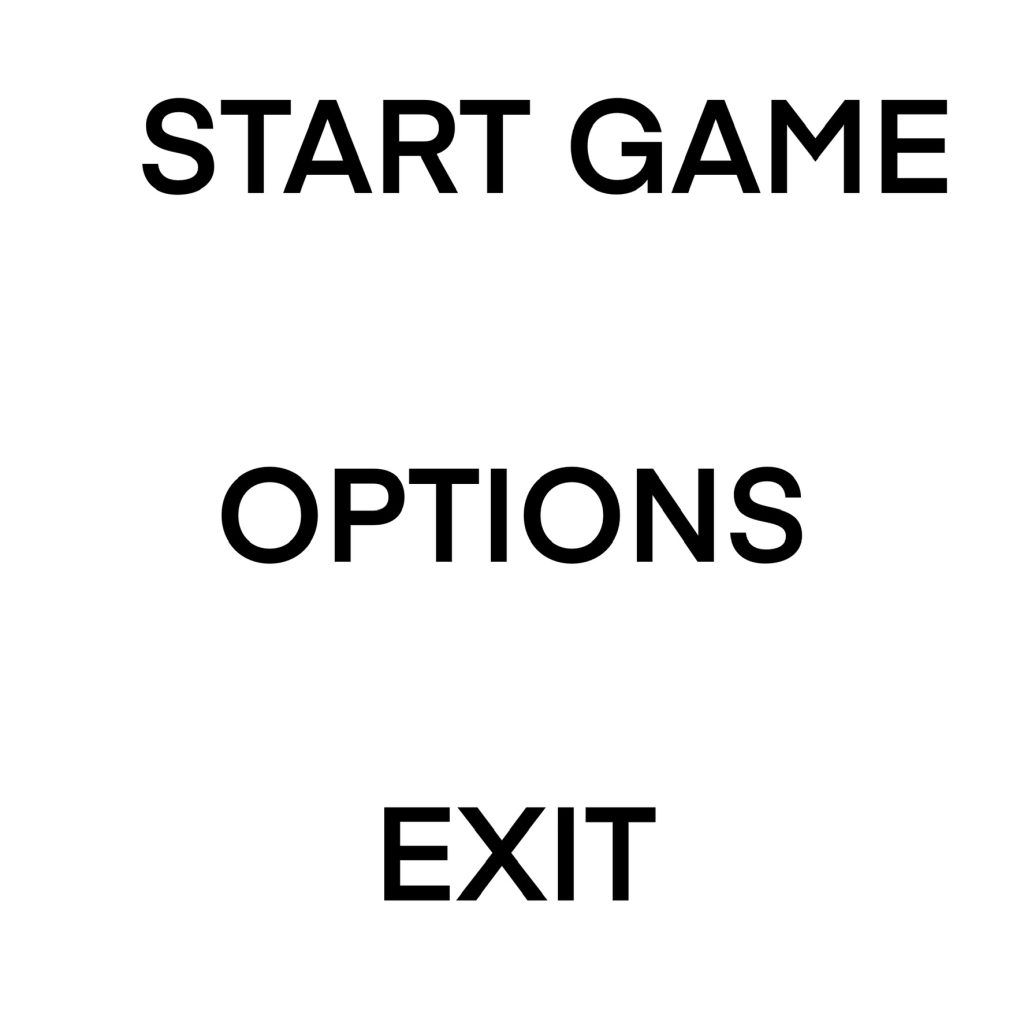
For Week 4, I planned on making a Menu UI concept so I asked my peers what app to use to create on my phone in which they suggested Procreate.

I paid for Procreate and created a Menu UI concept for Prototype 1, getting used to its tools.
Week 5
For Week 5, I watched a Unity tutorial on YouTube to help make the Menu UI for Prototype 1.
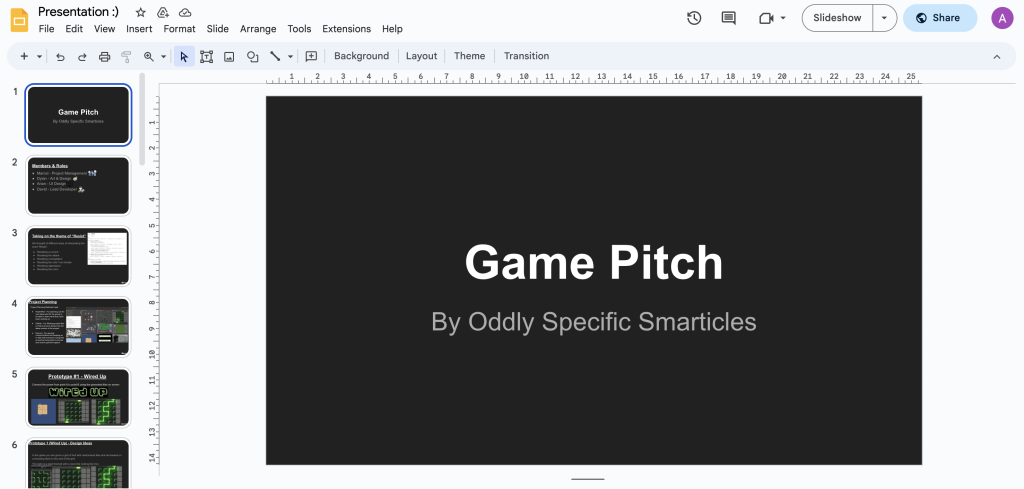
Then, We went through everything we jotted down for our turns for our game pitch presentation which was on 2nd March.
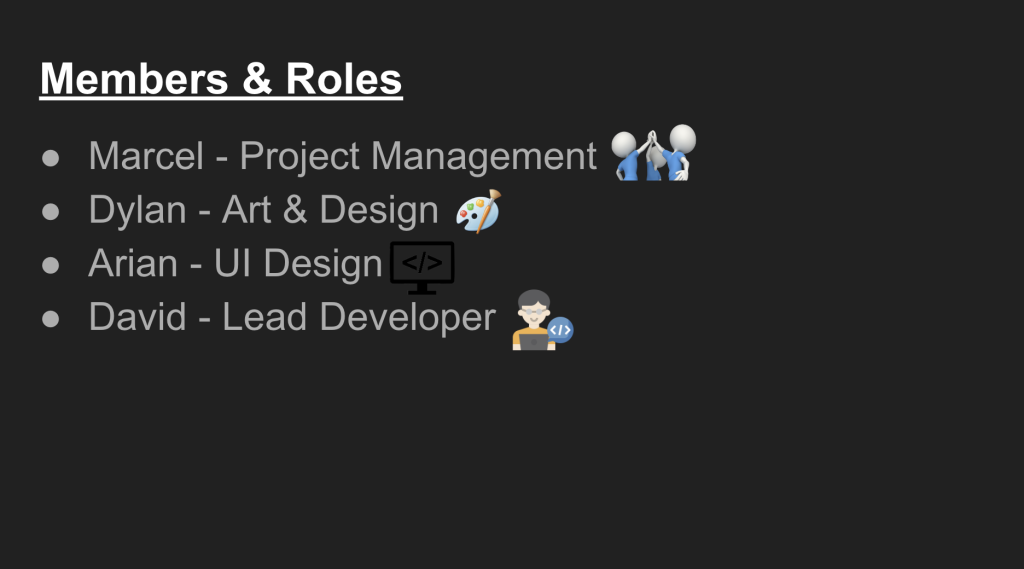
We decided on our group roles for a prototype we have chosen to take it further.
We then revealed our Project Planning for our game pitch presentation.

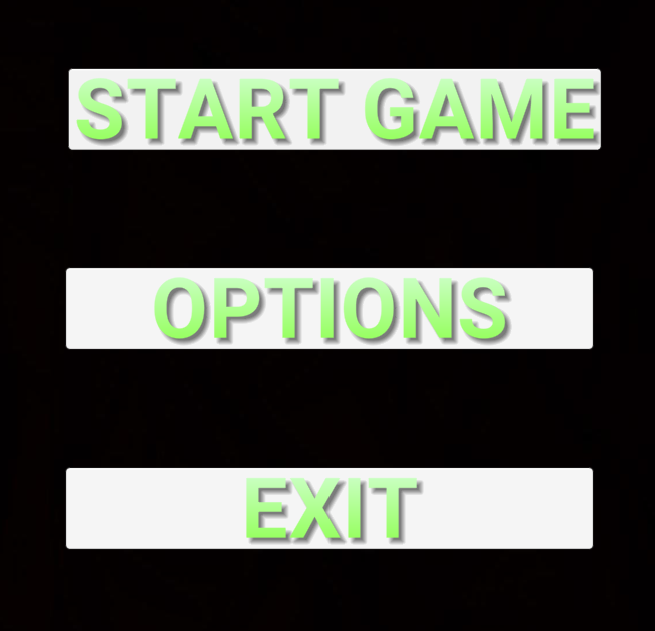
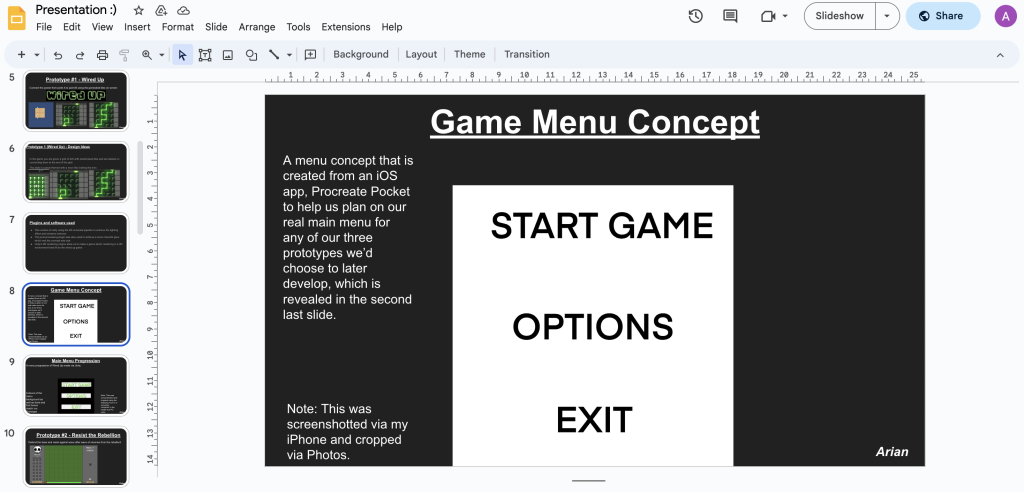
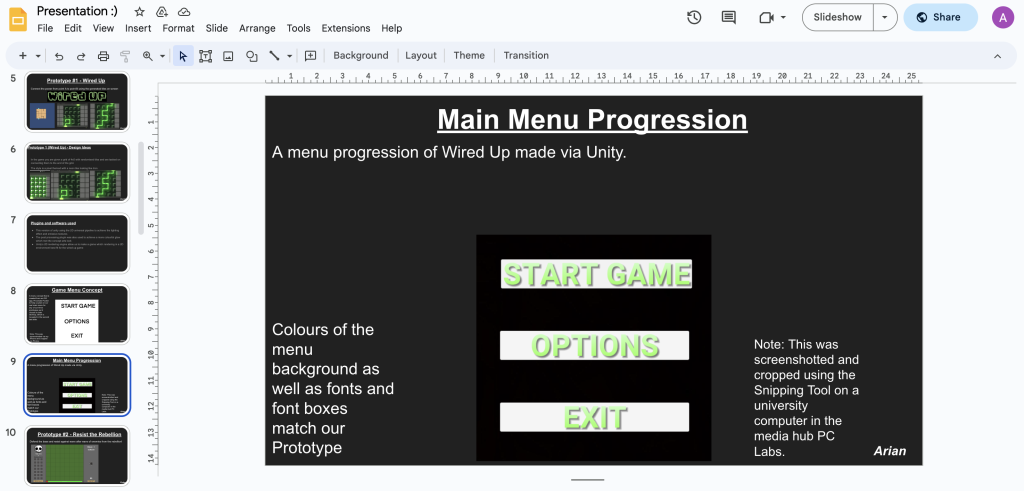
I created some slides in which one was for my Game Menu Concept and the other was for my actual Game Menu for Prototype 1, in which unfortunately, we all never chose as it would have took a long process.
Please ignore this slide’s title “Main Menu Progression” as it is meant to be the actual Game Menu for Prototype 1.
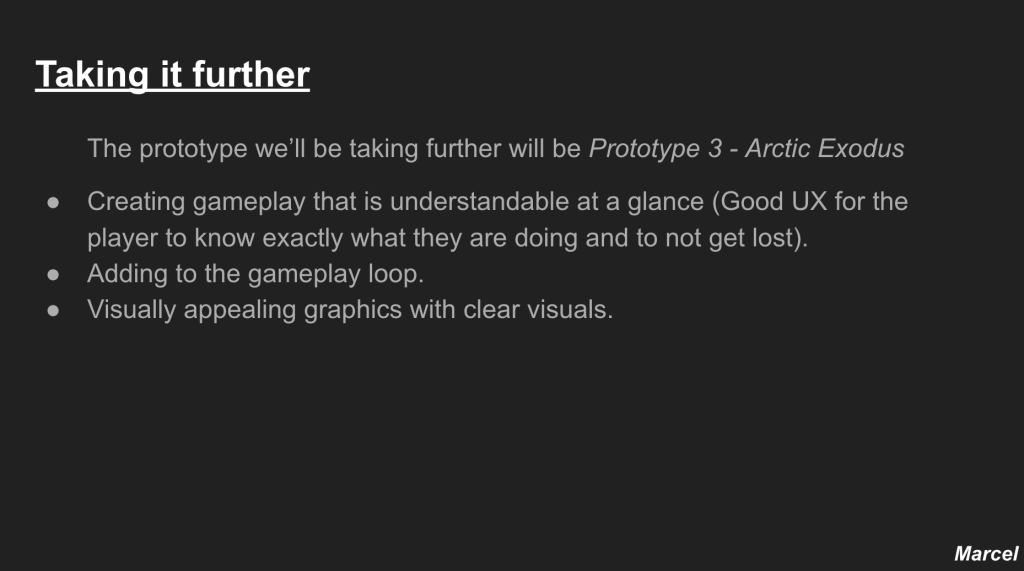
Afterwards, we revealed our chosen prototype we have took further, that is Prototype 3 as the coding on Unreal is more easier than Unity and does not require C Sharp.
Week 6
For Week 6, it was Enhancement Week, but I didn’t do much work as I took some rest and was busy helping my family with things.
Week 7
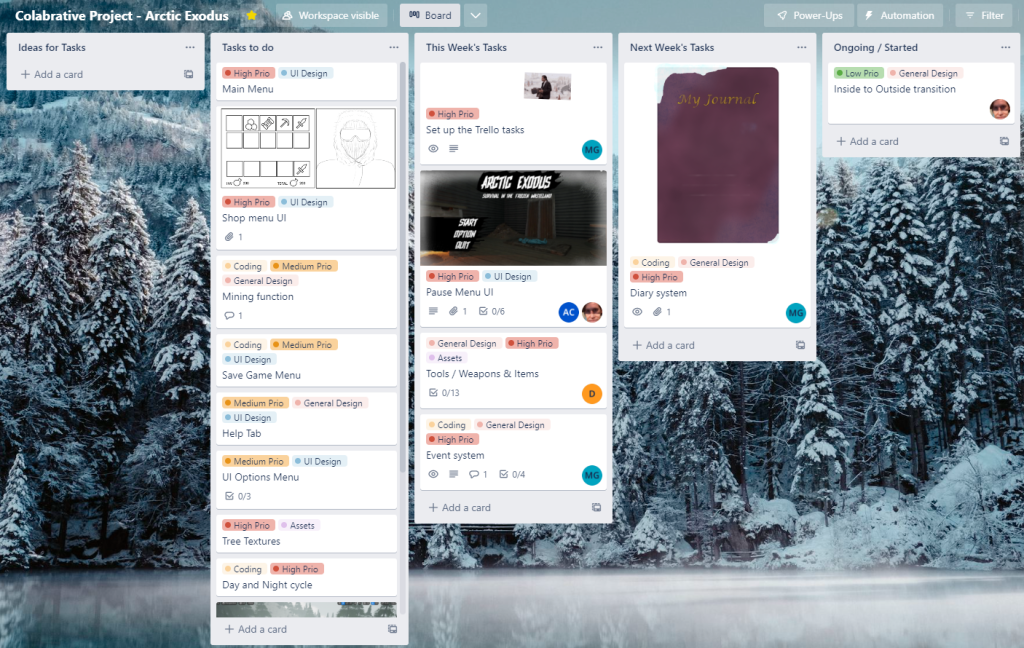
For Week 7, We all went on Trello and Marcel added Week 1 of tasks to be done for our chosen prototype game.
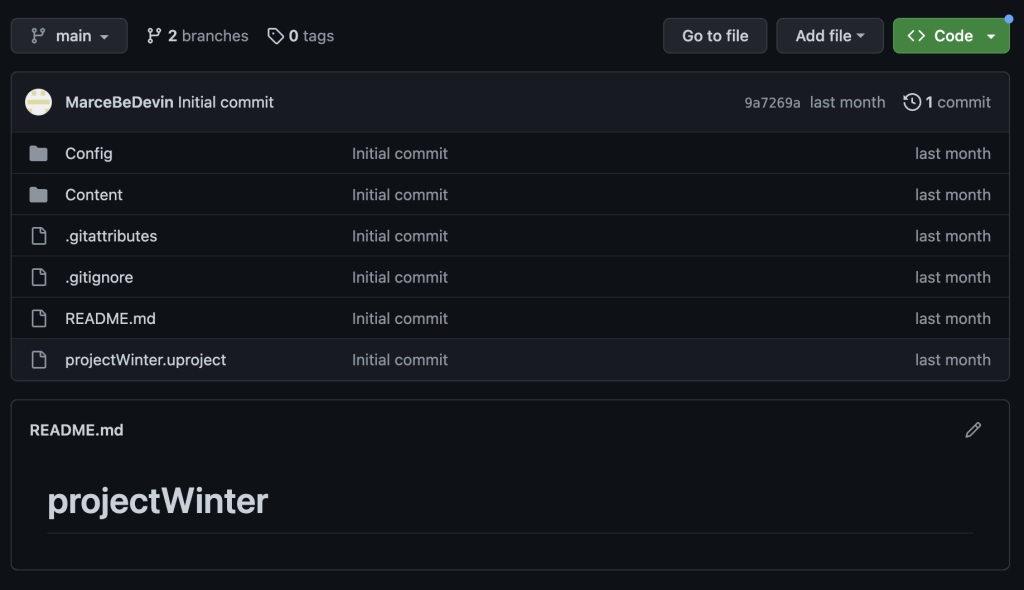
We also used GitHub for sharing any project we wanted to share. This is Marcel’s projects he shared with us.
I started on the Pause Menu UI task where I made a project on Unreal called PauseMenuUI where I have made two widget blueprints for the Pause and Pause Options Menu UIs.
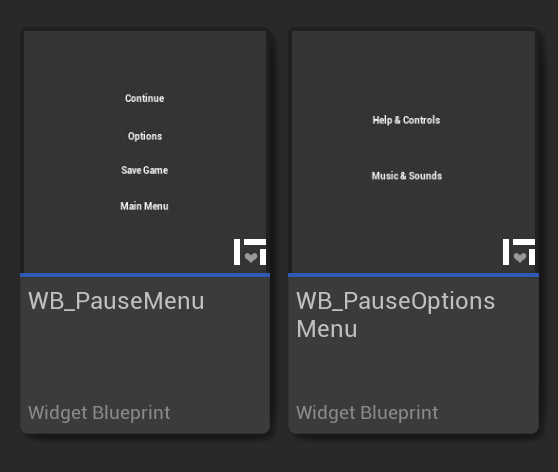
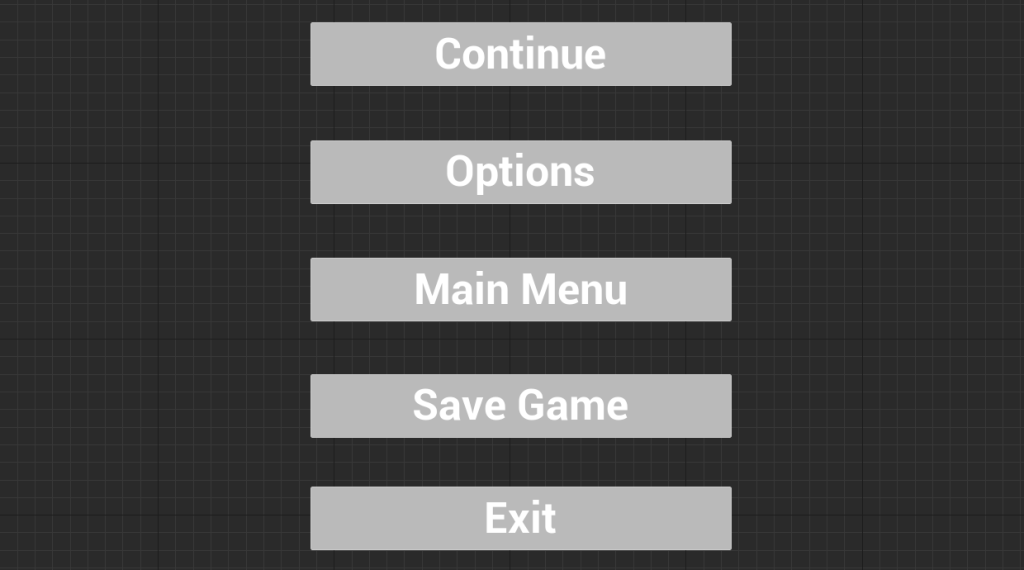
This is the Pause Menu UI I have created at the start with four texts for four buttons.
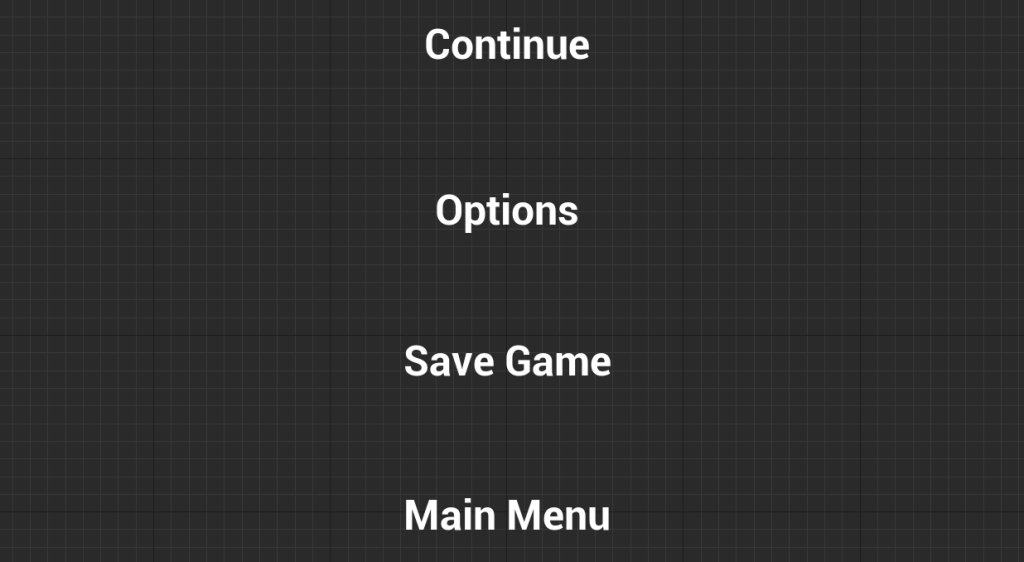
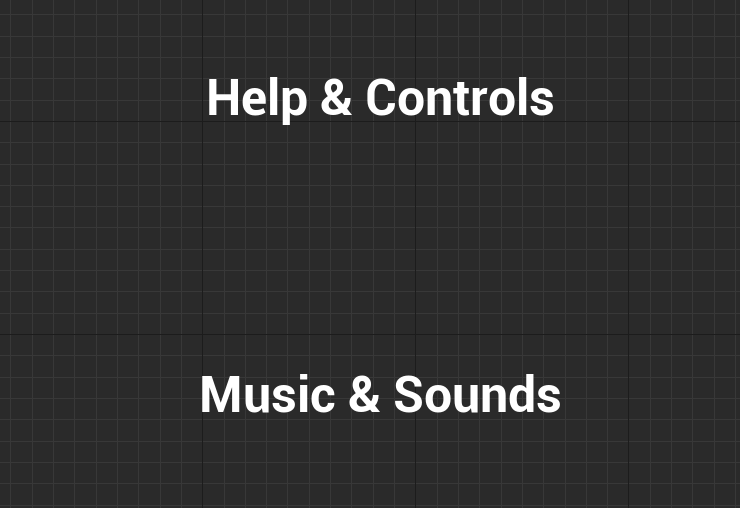
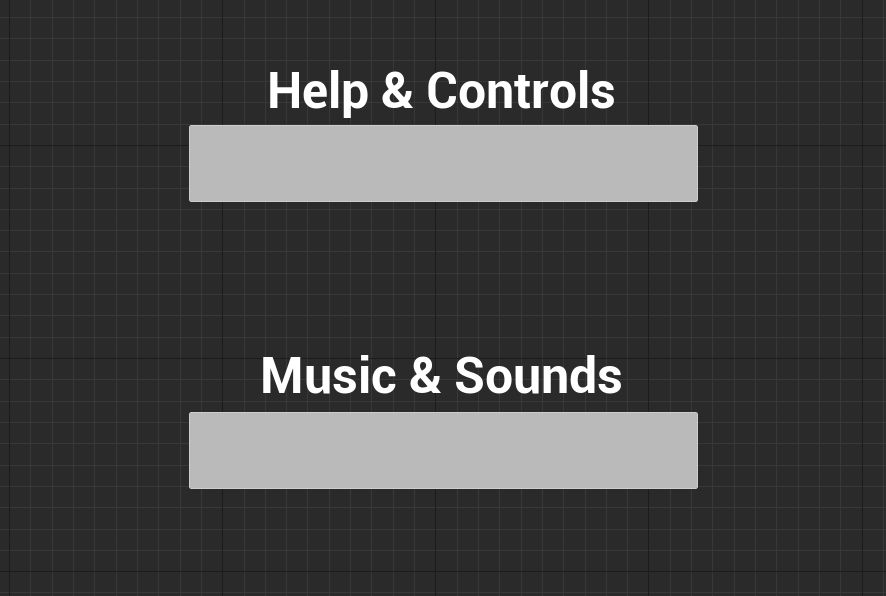
This is the Pause Options Menu UI I have created at the start with two more texts for two more buttons.
Week 8
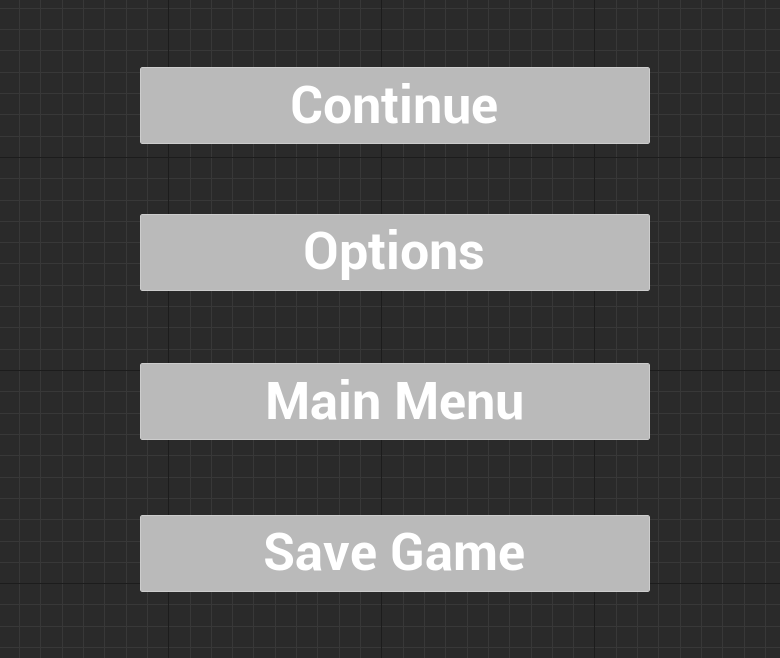
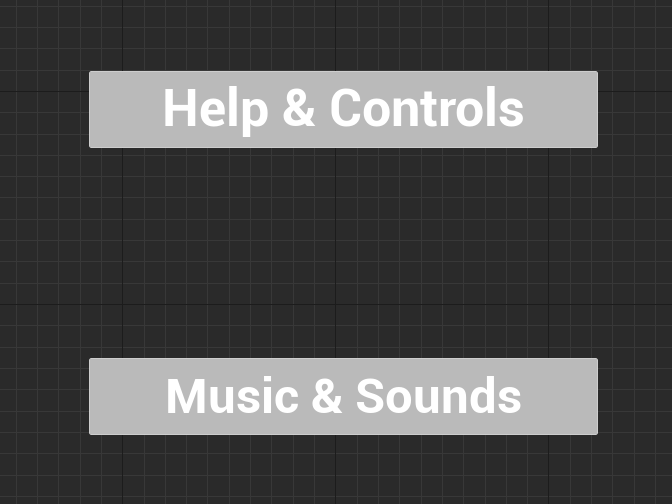
For Week 8, I went on Unreal to add buttons for my Pause and Pause Options Menu UIs.
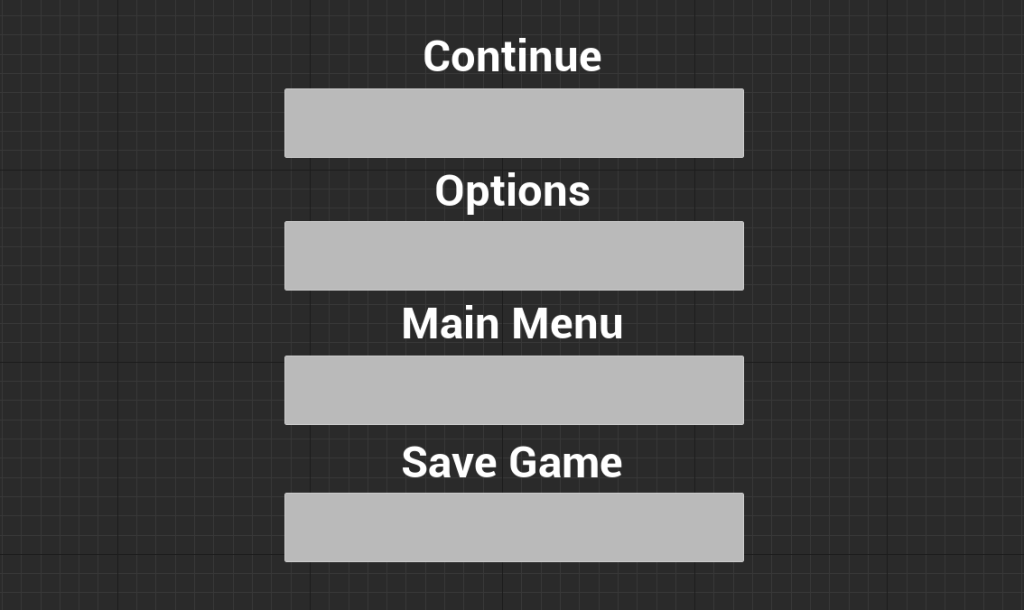
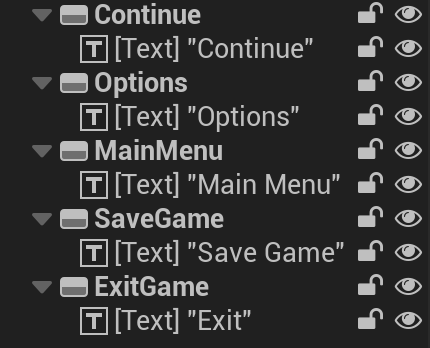
I then moved every text in every button, making each text each button’s child.
Marcel then went on Trello and added Week 2 on tasks to finish for our chosen game.

I then added an Exit Game button where I went through the same process as other UI buttons on my PauseMenuUI project.
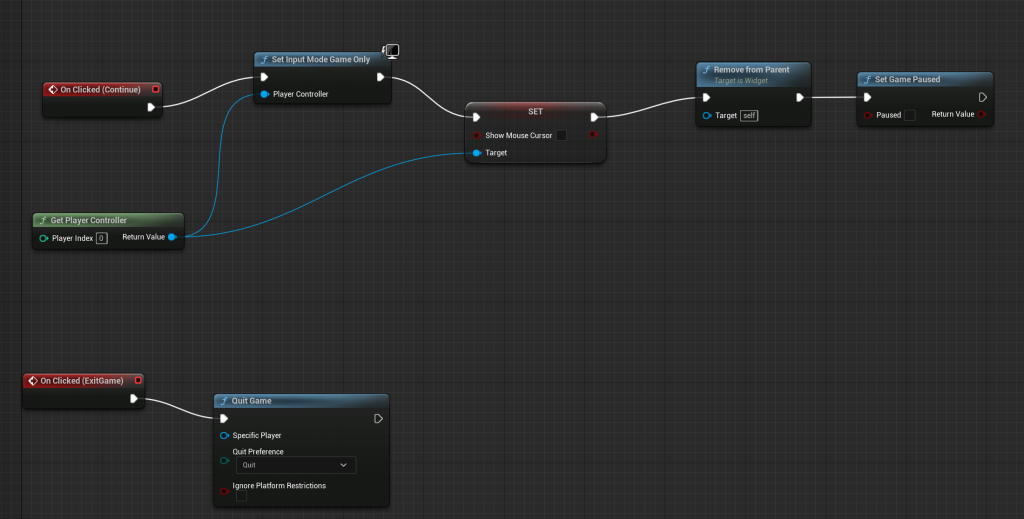
I watched an Unreal tutorial on YouTube on how to make functions for the Continue and Exit Game UI buttons for my PauseMenuUI project and got the functions working.
Week 9
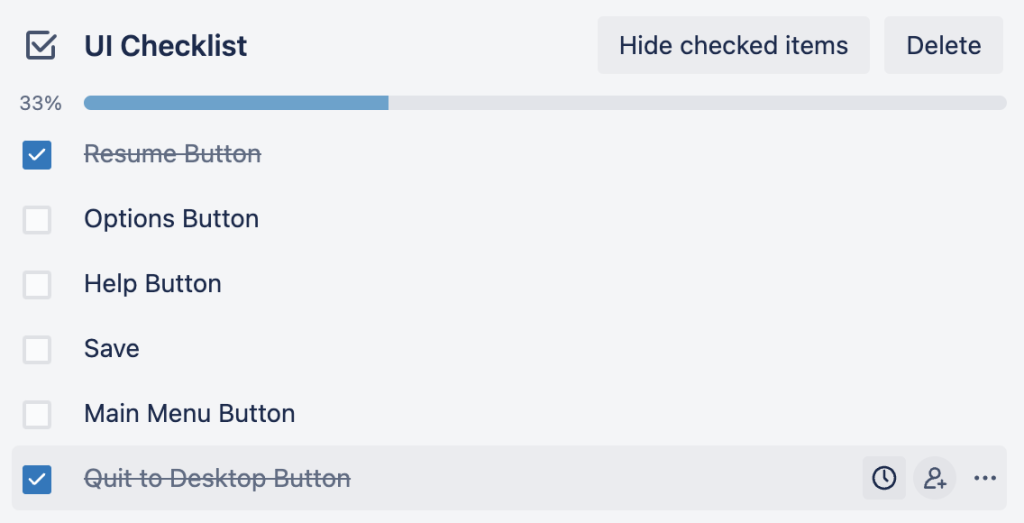
For Week 9, I finished with two UI buttons that worked on my PauseMenuUI project on Unreal so they were ticked off.
Week 10
For Week 10, I made a MainMenuUI where I added a Main Menu UI, following the same process as my Pause and Pause Option Menu UIs, adding an image as a white background to match our chosen Winter Survival game.
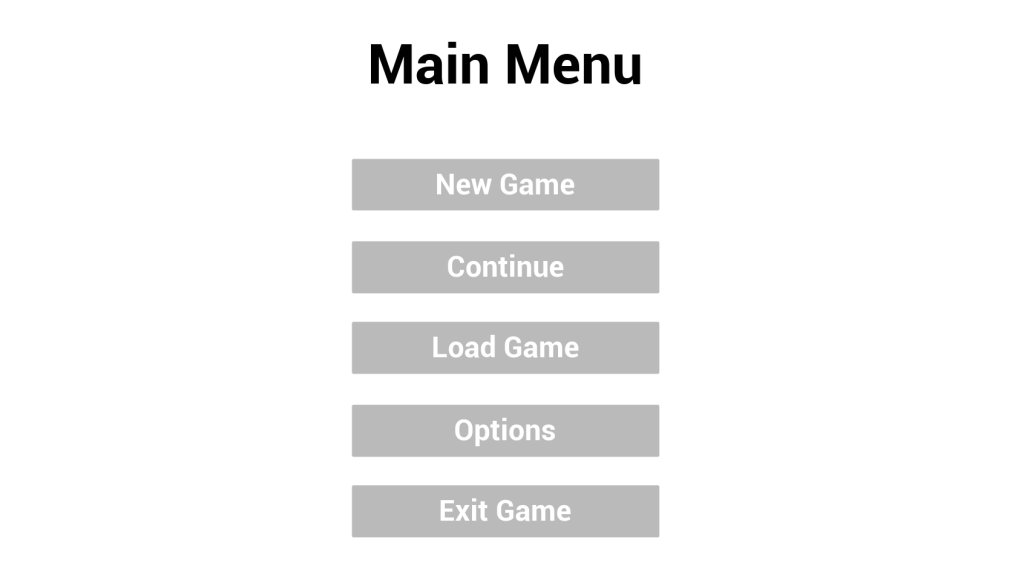
I went on Trello to look at a task where I had to make Volume Sliders, Resolution Pick ad Full Screen Button.
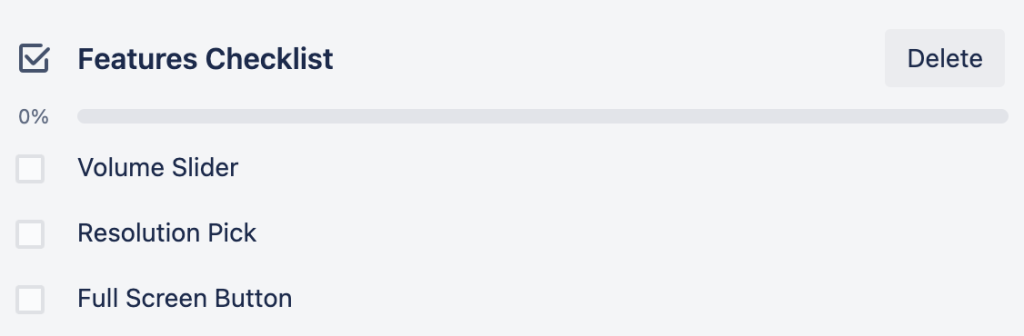
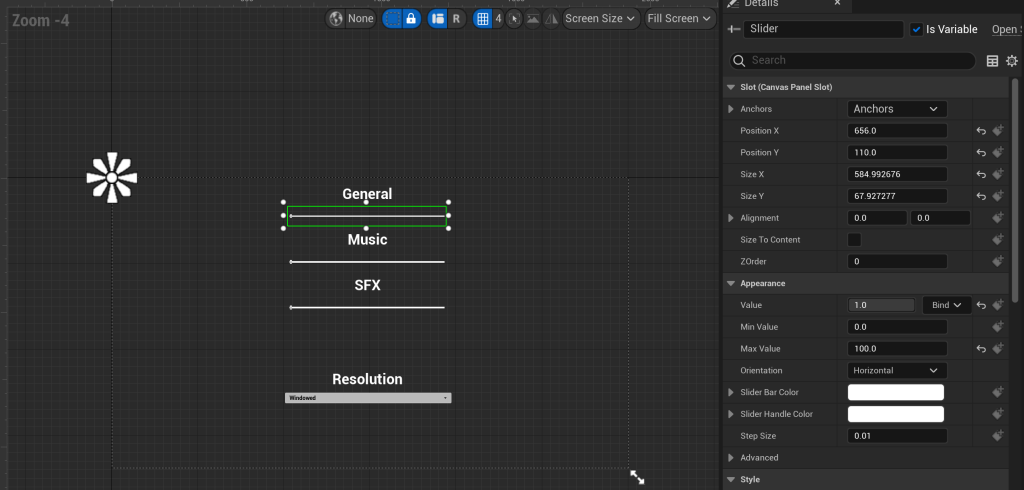
I created three sliders for General, Music and SFX where I had to change the Minimum and Maximum Values of the sliders.
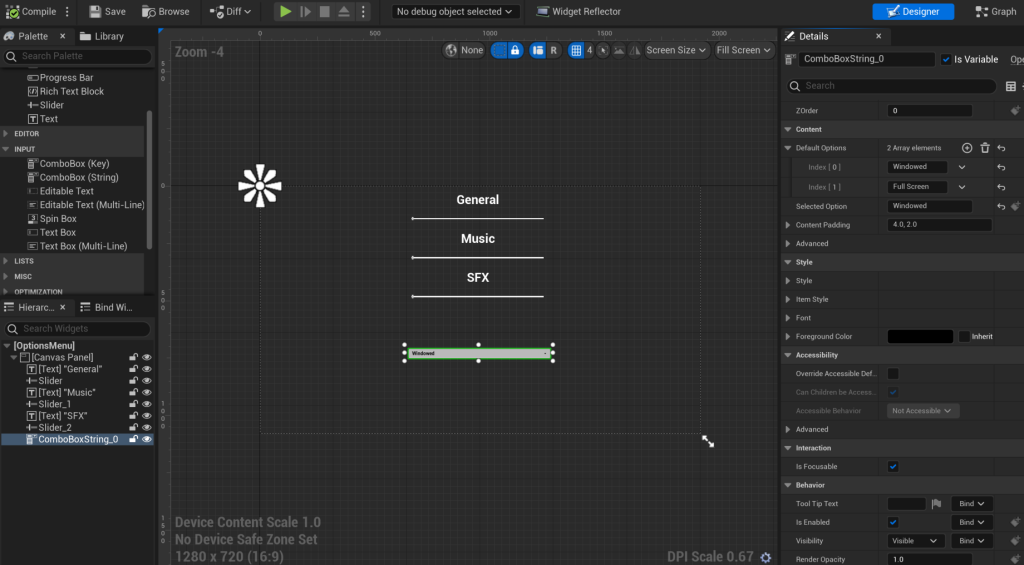
I then added a ComboBoxString where I added two options windowed or full screen by the Default Options section and made the selected option Windowed as a test for my MainMenuUI project on Unreal.
Week 11
For Week 11, I had to make control guides by adding Computer Mouse and Keyboard images for control guides, labelling what buttons on the mouse and keyboard are used for players to use for our chosen game.


Week 12
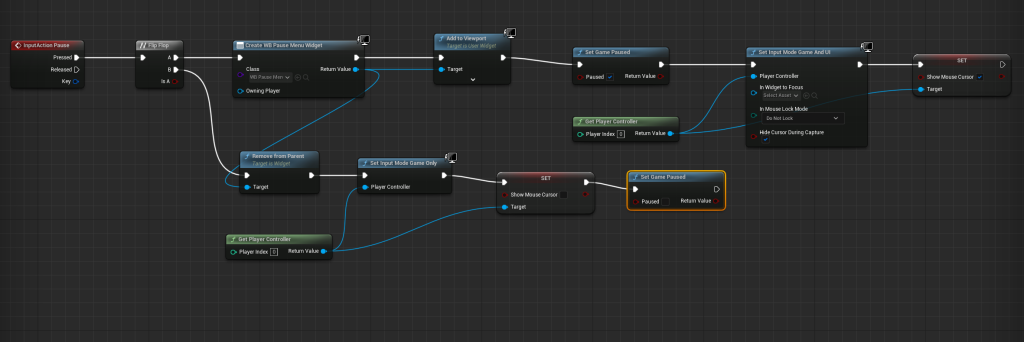
For Week 12, On Unreal, I tested my PauseMenuUI project after putting P as the pause function to press it to take me to the Pause Menu UI in Project Settings, Engine, Input.
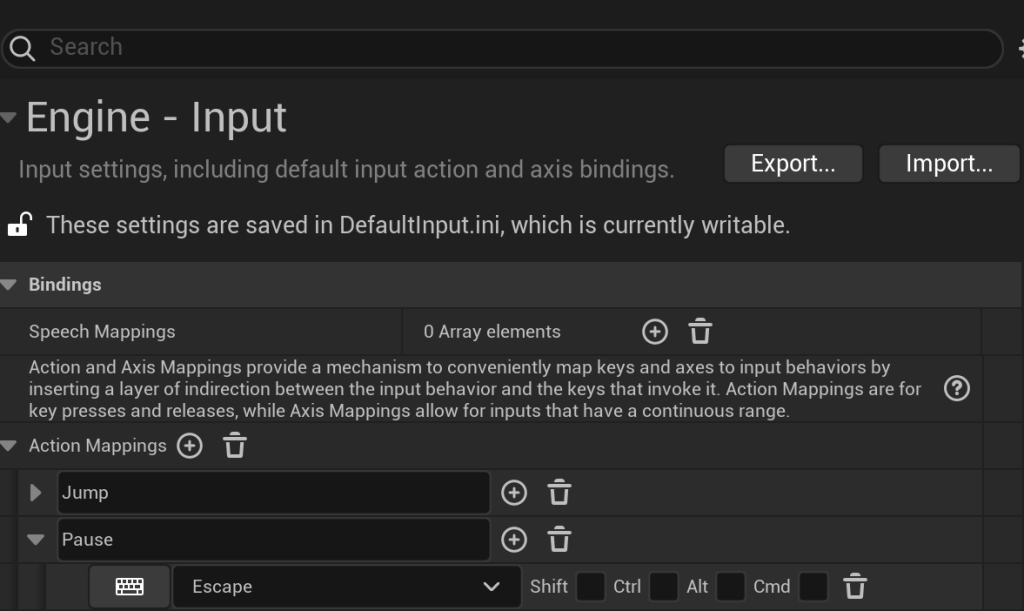
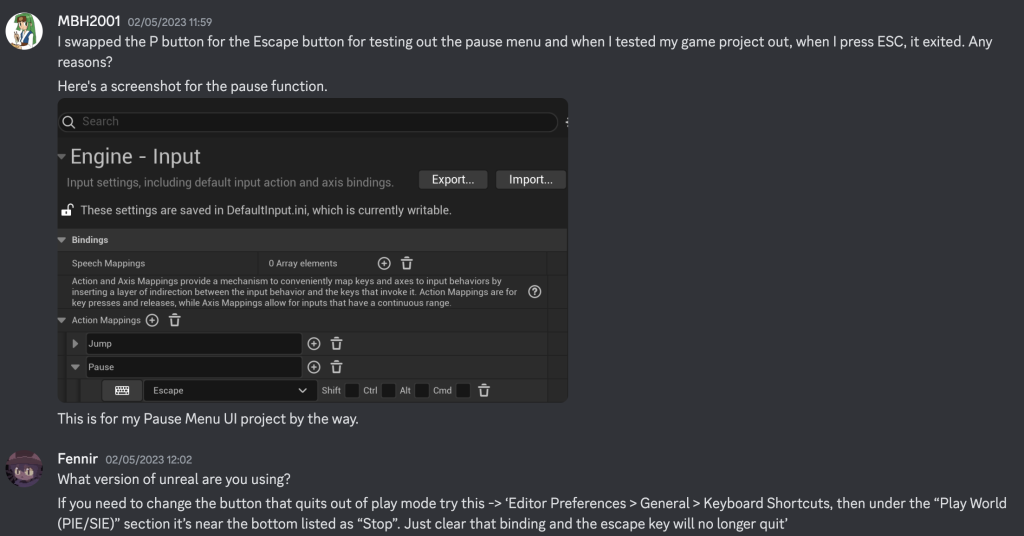
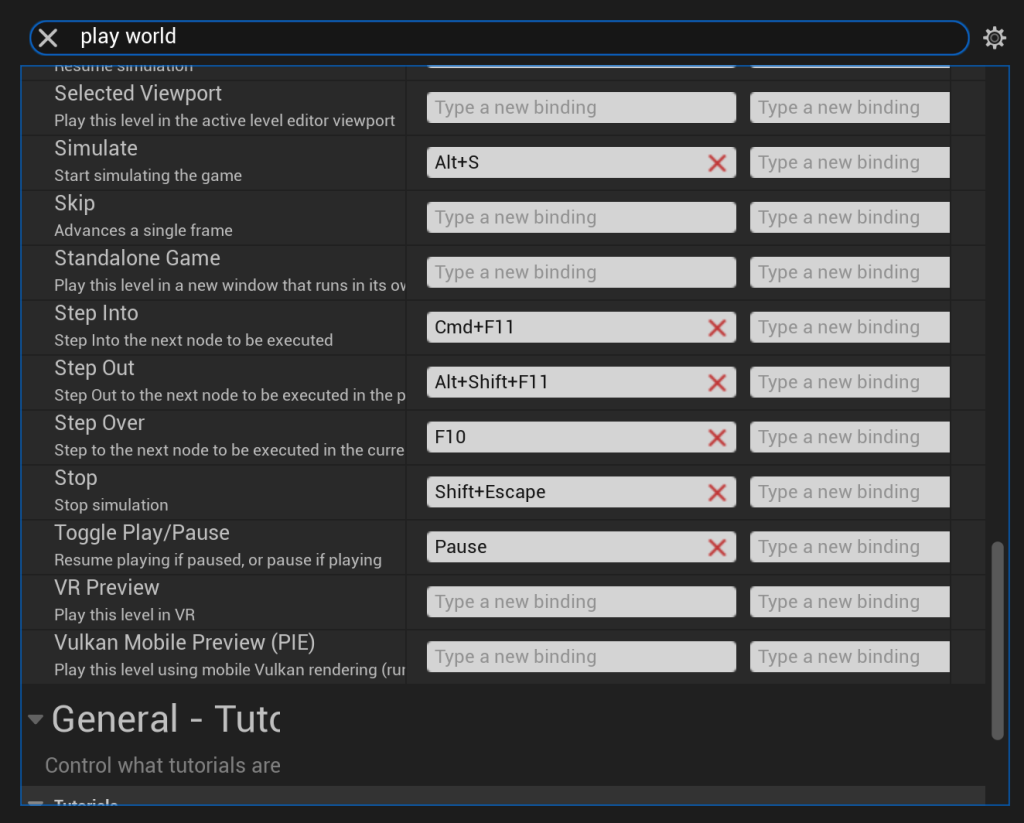
Something went wrong as it wouldn’t take me to the Pause Menu UI, so I went on discord to ask my peers on how I can resolve the issue. Marcel however advised me to go to Editor Preferences, General, Keyboard Shortcuts, Play World and where it said ‘Stop’, I removed the Shift + ESC button, went back, pressed P and it worked as it took me to the Pause Menu UI.
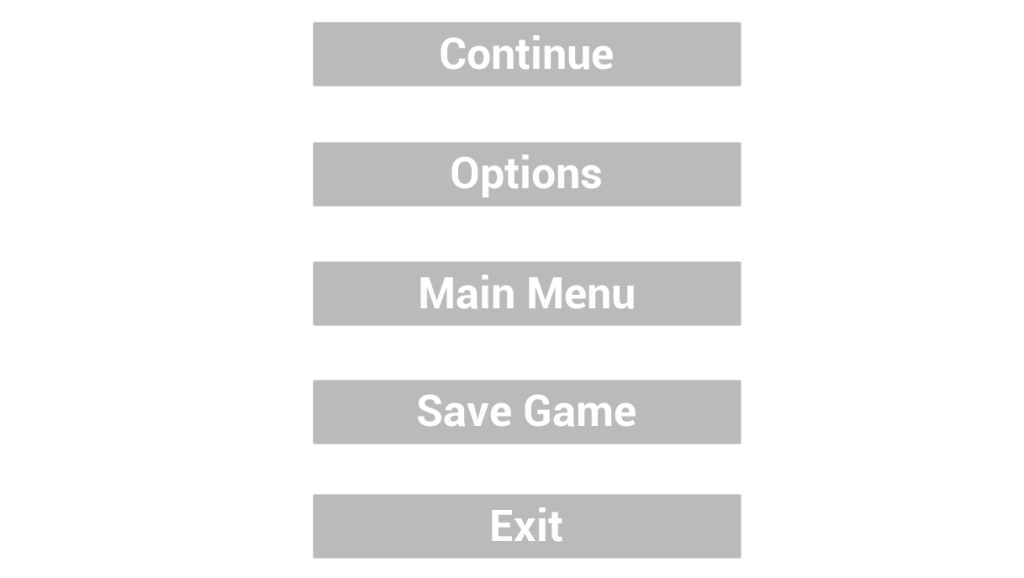
I also added white backgrounds for my Pause and Pause Options Menu UIs.
Conclusion:
I thoroughly enjoyed working with peers to make elements for our chosen game as it helped me with my communication skills with my peers when in groups.
References:
Websites for Images:
Flaticon (Mouse). Available online: https://www.flaticon.com/free-icon/mouse_88221?k=1683628611943&log-in=google [Accessed 9/5/2023].
Vecteezy (Computer Keyboard). Available online: https://www.vecteezy.com/vector-art/5113177-computer-keyboard-button-layout-template-with-letters-for-graphic-use-vector-illustration [Accessed 9/5/2023].
Tutorials:
Brackeys (2017) START MENU in Unity [Video]. Available online: https://www.youtube.com/watch?v=zc8ac_qUXQY&t=563s [Accessed 9/5/2023].
Buvesa Game Development (2022) How To Create A Pause Menu – Unreal Engine 5 Tutorial [Video]. Available online: https://www.youtube.com/watch?v=voIMzFOQEOs&list=PLlItOcyNpwry_qcHYZHF687I-2kFS5l1R&index=6 [Accessed 9/5/2023].
Our Discord Group Channel:
Kawashim, Fennir, MBH2001, LT Dark Ring. (2023) Direct Messages (Collaborative Game Project) [Discord]. Available online: https://discord.com/channels/@me/1070690266228473917 [Accessed 9/5/2023].
Our Hack n Plan Planning Project:
Hack n Plan (2023) Project Planning. Available online: https://app.hacknplan.com/p/180869/kanban?categoryId=0&boardId=491942 [Accessed 9/5/2023].
Our Trello Project for our chosen game:
Trello (2023) Collaborative Project – Arctic Exodus. Available online: https://trello.com/b/EDeZ2Ytq/colabrative-project-arctic-exodus [Accessed 9/5/2023].
Leave a Reply